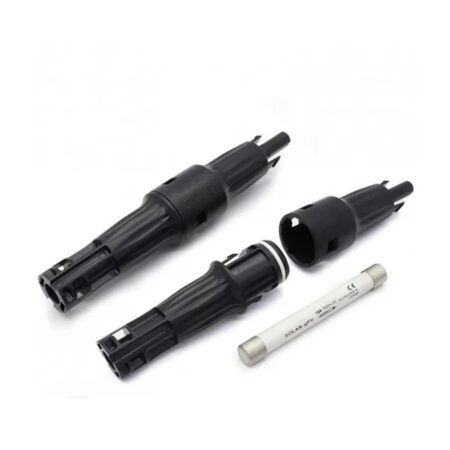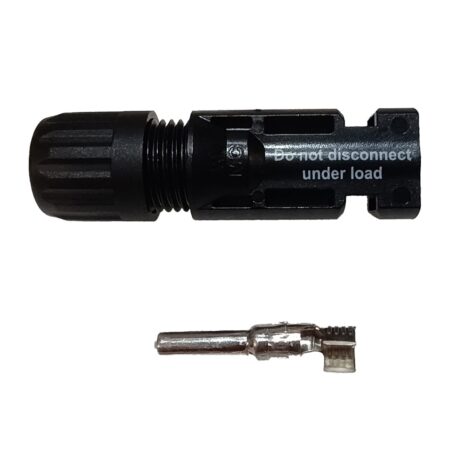
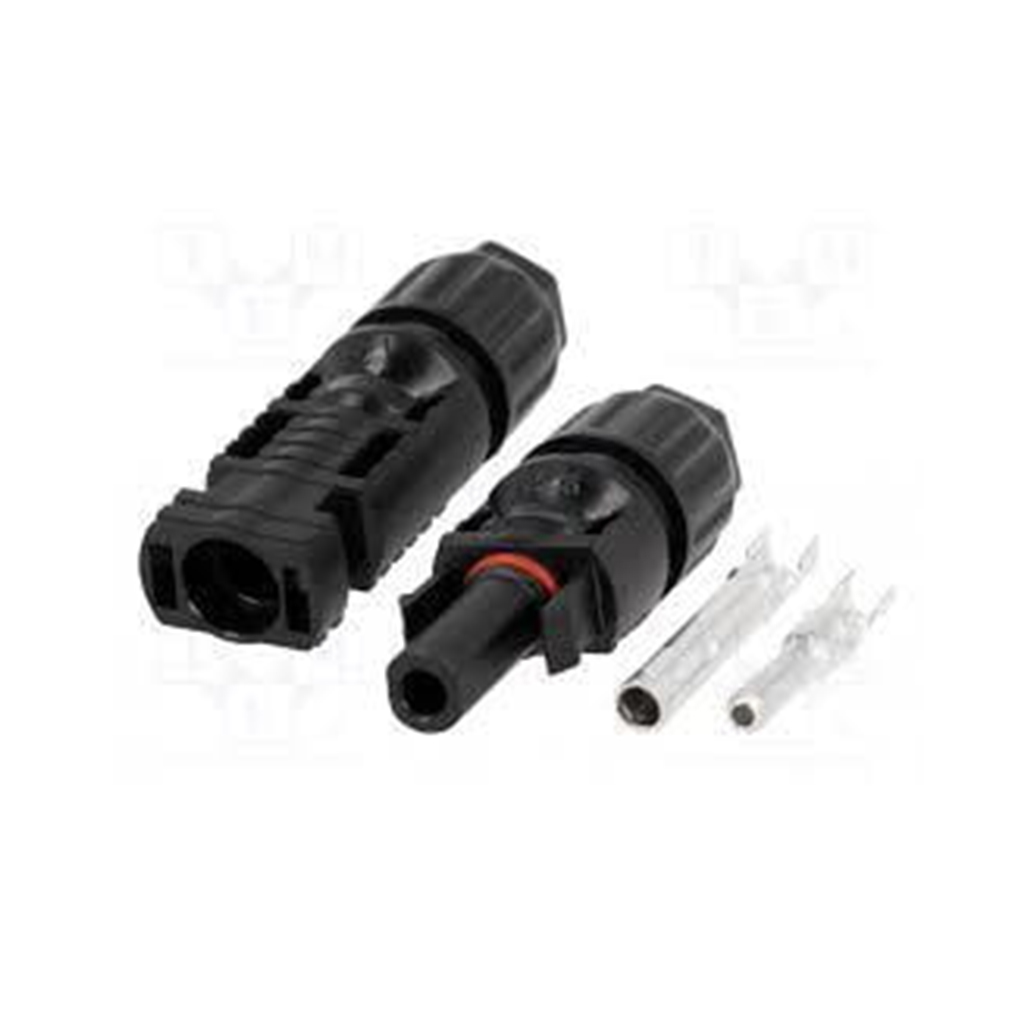
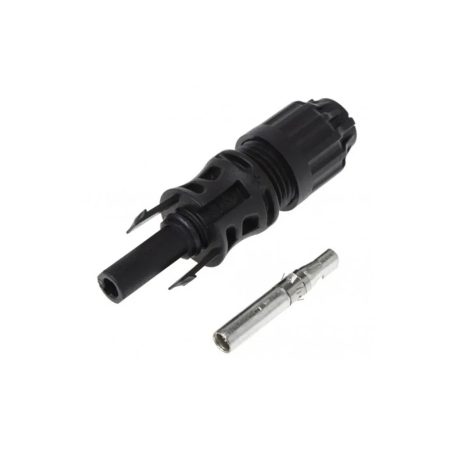
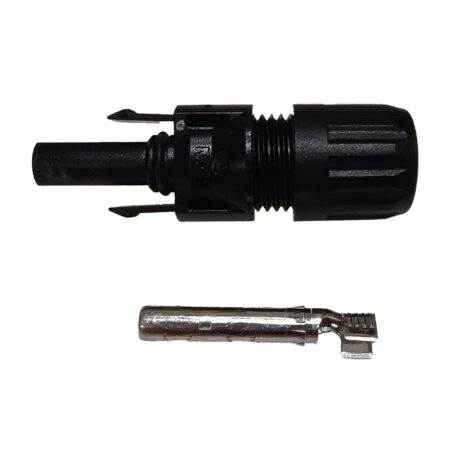
QC4.10 connector set for 6mm2 cable

SKU: QC4.10-cd F 6 mm, QC4.10-cd M 6mm Category: Tag:

2,98   /  0.00 BGN

Availability: Contact us

Set contents:

  • 1 x Male connector (QC4.10-cd M 6 mm)

  • 1 x Female connector (QC4.10-cd F 6 mm)

  • 2 x Contact Copper Foams

  • 2 x Rubber Sealant

  • 2 x Fixing nut

  • These cable connectors from QC Solar are TUV and UL certified and can work up to 1500V voltage.

Out of stock

SKU: QC4.10-cd F 6 mm, QC4.10-cd M 6mm Category: Tag:
  • Description
  • Documentation

Description

QC4.10 connector set for 6 mm² cable

Codes:

  • QC4.10-cd F 6 mm (female)

  • QC4.10-cd M 6 mm (male)

QC4.10 connectors are high-quality, waterproof DC connectors designed to connect solar panels, inverters, and other components in photovoltaic systems. The model is optimized for cables with a cross-section of 6 mm² and supports safe connection at high currents and voltages (up to 1500V DC, depending on the model).

Set contents:

  • 1 x Male connector (QC4.10-cd M 6 mm)

  • 1 x Female connector (QC4.10-cd F 6 mm)

  • 2 x Contact Copper Foams

  • 2 x Rubber Sealant

  • 2 x Fixing nut


Installation instructions:

Required tools:

  • Solar connector crimping pliers (specialized for MC4/QC4.10)

  • Stripper for stripping insulation

  • Gloves (recommended)

Step 1: Preparing the cable

  1. Cut the cable (6 mm²) to the desired length.

  2. Remove about 7–8 mm of the insulation at the end of the cable.

Step 2: Crimping the pins

  1. Take the corresponding copper pin (male or female) and insert the bare part of the cable into it.

  2. Use the crimping pliers to securely press the foam around the copper core.

  3. Check the strength – it should not slip out when pulling.

Step 3: Assembling the Connector

  1. Place the rubber seal and fixing nut on the cable before inserting the pin into the housing.

  2. Insert the crimped pin into the connector until you hear a “click” – this means it’s locked.

  3. Screw the fixing nut by hand (or with an MC4/QC4 tightening tool) until tightly closed.

Step 4: Connecting

  1. Connect the male and female connectors by pressing them until they lock.

  2. For dismantling, use a special tool for QC4.10/MC4 connectors.

Advantages of QC4.10:

  • IP68 waterproof protection

  • UV and heat-resistant housing

  • Reliability at high currents and temperatures

  • Safe locking with anti-release system

  • Compatibility with industry solar standards

  • We inform you that despite our efforts, we cannot guarantee that the published information and photos do not contain inaccuracies or errors that cannot be a legal basis for claims.
Documentation

PDF link

Description

QC4.10 connector set for 6 mm² cable

Codes:

  • QC4.10-cd F 6 mm (female)

  • QC4.10-cd M 6 mm (male)

QC4.10 connectors are high-quality, waterproof DC connectors designed to connect solar panels, inverters, and other components in photovoltaic systems. The model is optimized for cables with a cross-section of 6 mm² and supports safe connection at high currents and voltages (up to 1500V DC, depending on the model).

Set contents:

  • 1 x Male connector (QC4.10-cd M 6 mm)

  • 1 x Female connector (QC4.10-cd F 6 mm)

  • 2 x Contact Copper Foams

  • 2 x Rubber Sealant

  • 2 x Fixing nut


Installation instructions:

Required tools:

  • Solar connector crimping pliers (specialized for MC4/QC4.10)

  • Stripper for stripping insulation

  • Gloves (recommended)

Step 1: Preparing the cable

  1. Cut the cable (6 mm²) to the desired length.

  2. Remove about 7–8 mm of the insulation at the end of the cable.

Step 2: Crimping the pins

  1. Take the corresponding copper pin (male or female) and insert the bare part of the cable into it.

  2. Use the crimping pliers to securely press the foam around the copper core.

  3. Check the strength – it should not slip out when pulling.

Step 3: Assembling the Connector

  1. Place the rubber seal and fixing nut on the cable before inserting the pin into the housing.

  2. Insert the crimped pin into the connector until you hear a “click” – this means it’s locked.

  3. Screw the fixing nut by hand (or with an MC4/QC4 tightening tool) until tightly closed.

Step 4: Connecting

  1. Connect the male and female connectors by pressing them until they lock.

  2. For dismantling, use a special tool for QC4.10/MC4 connectors.

Advantages of QC4.10:

  • IP68 waterproof protection

  • UV and heat-resistant housing

  • Reliability at high currents and temperatures

  • Safe locking with anti-release system

  • Compatibility with industry solar standards

  • We inform you that despite our efforts, we cannot guarantee that the published information and photos do not contain inaccuracies or errors that cannot be a legal basis for claims.
Documentation

PDF link